Everything in one window
Oliver grew out of daily work with files on Macs, a NAS and servers. Here is what it does today.
Panels and keyboard
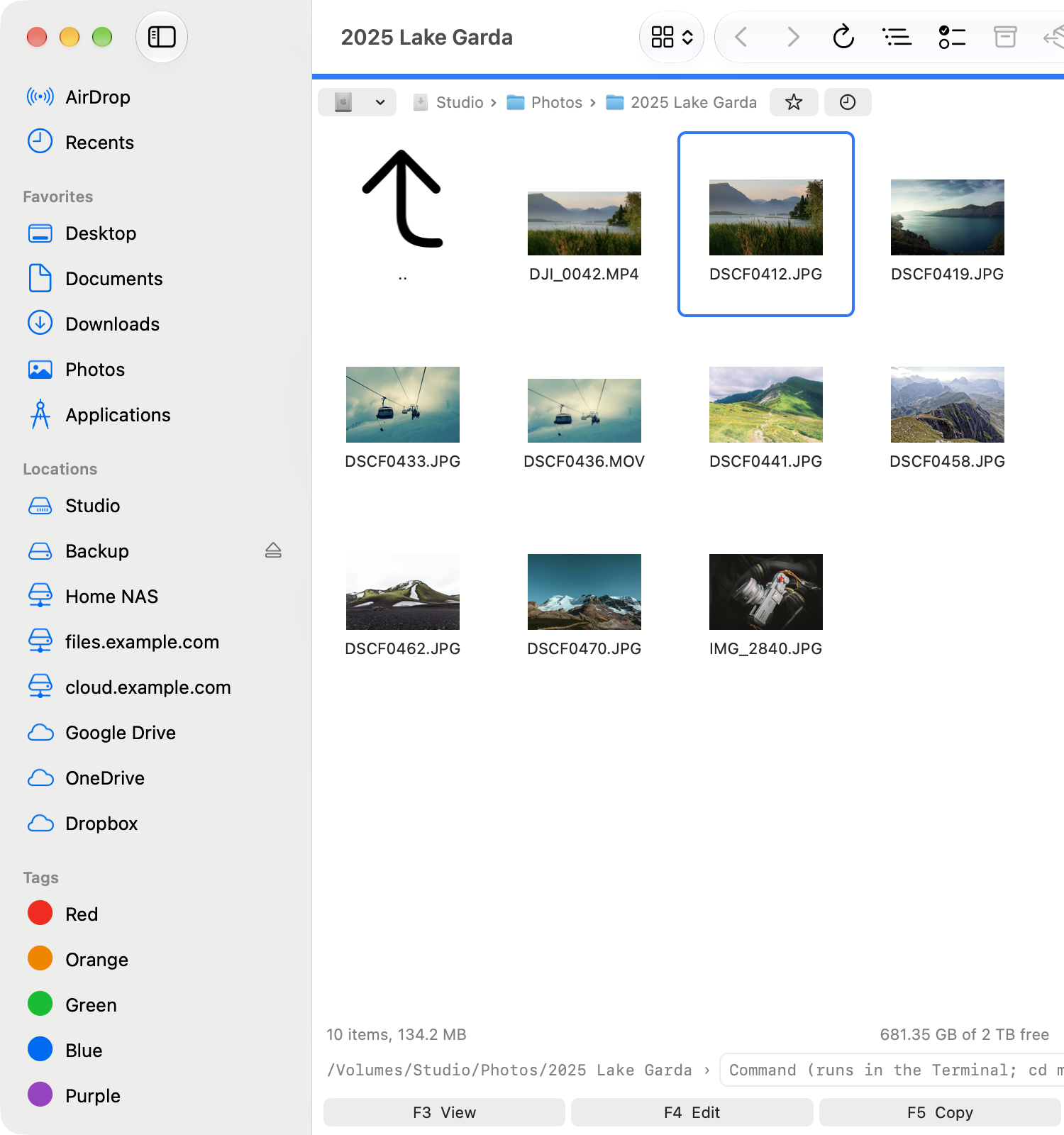
Two panels made for the keyboard, in a window that looks and feels like the Finder.
- Two panels with tabs, locked tabs and saved tab sets; one panel, or the two stacked, on a small screen.
- Full, Brief, Thumbnails and Tree views. Folders first, a “..” row on top.
- Quick search as you type, anywhere in a name. A filter, and a search through this folder and everything below.
- Hotlist, history, a path bar you can click or type into, and the Finder’s own sidebar.
- Branch view: every file below a folder in one list.
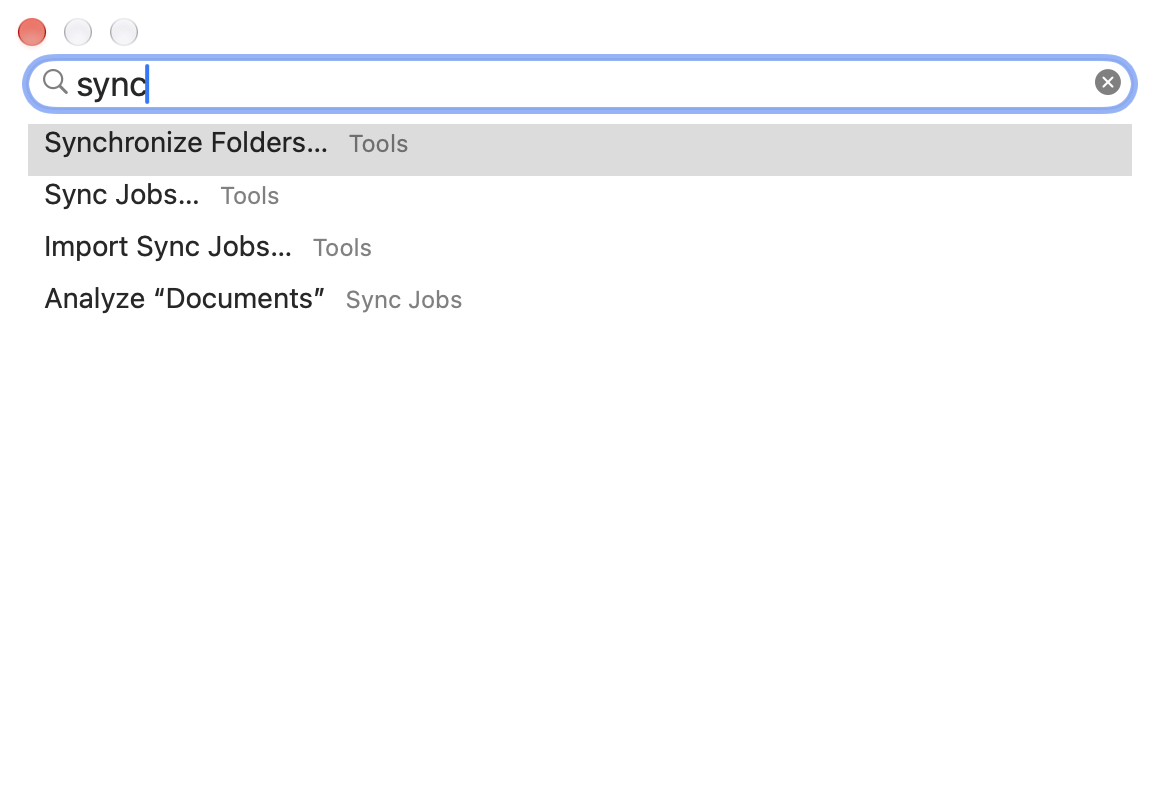
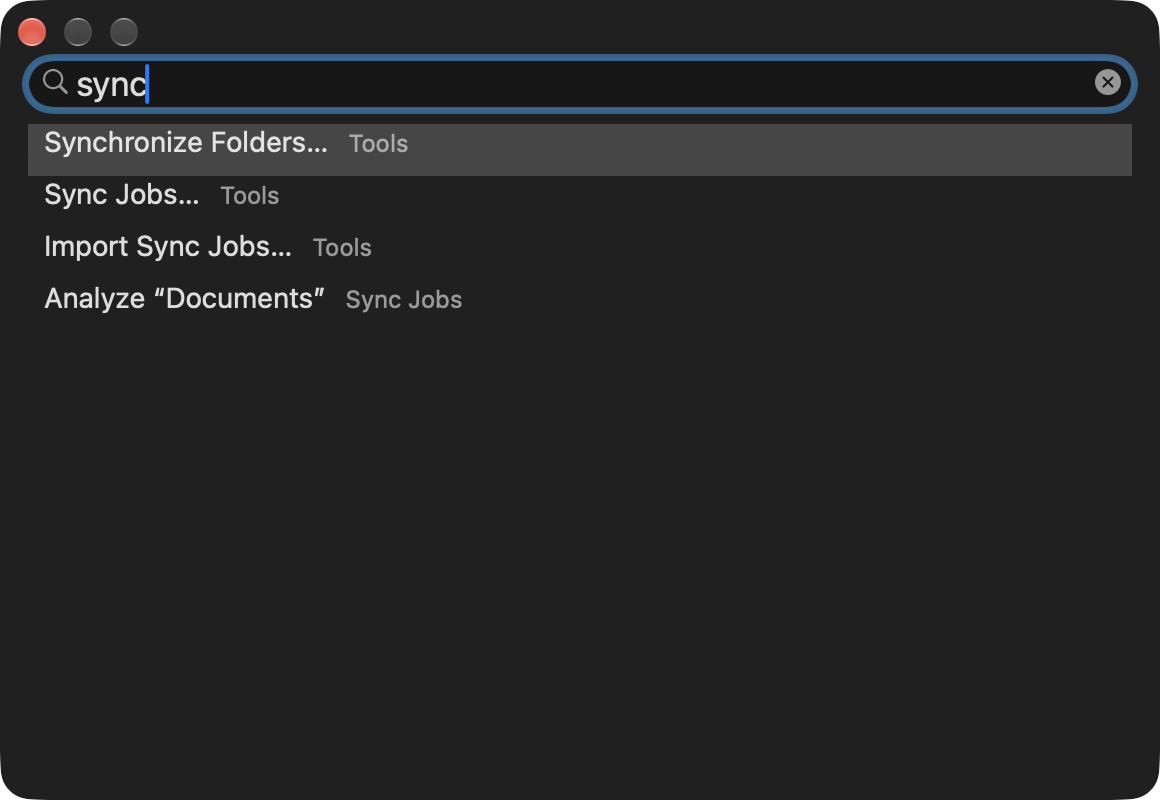
- Find a Command (⇧⌘P): any command, place or sync job by a few letters.
- Undo (⌘Z) for copy, move, rename, new folder and delete to the Trash.
Servers and clouds
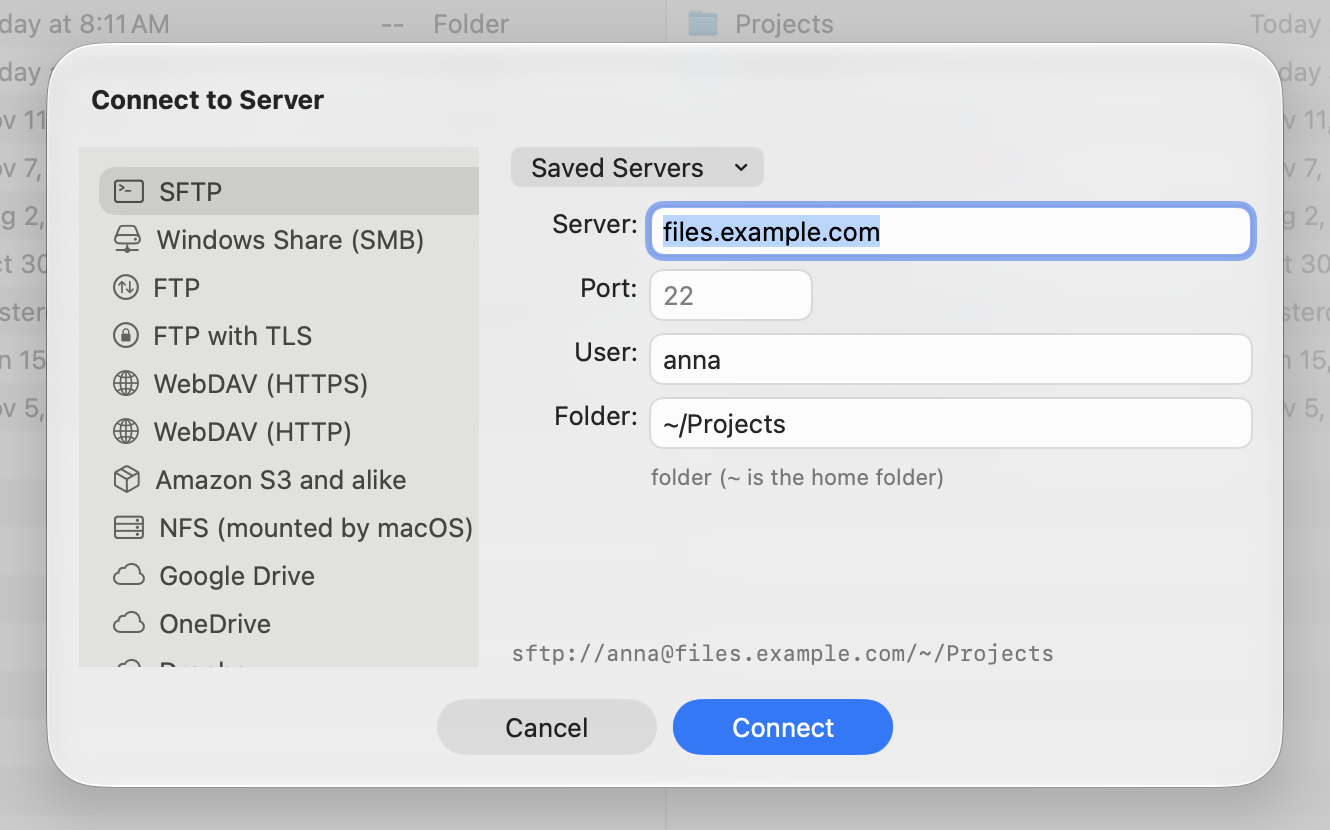
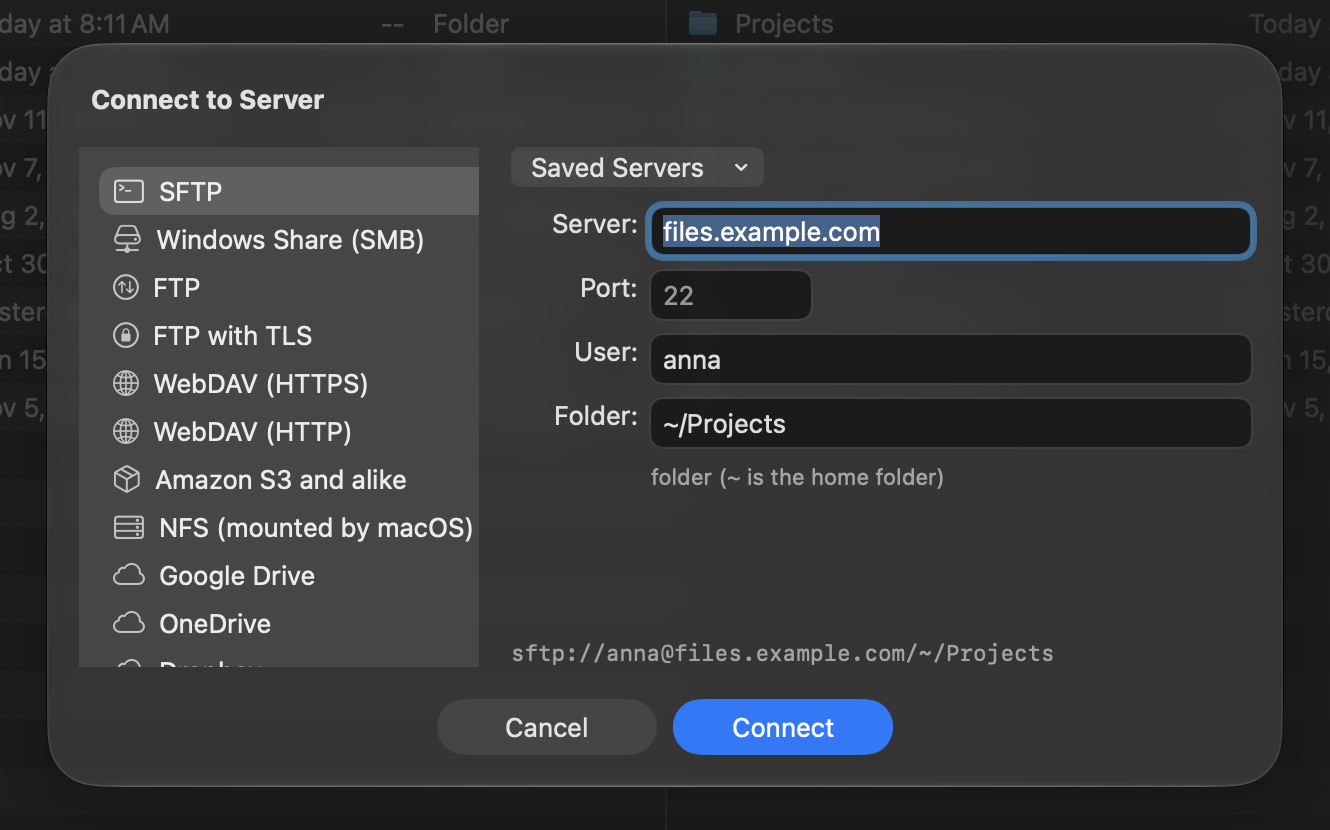
Your NAS, your servers and your clouds open like folders, and copy to each other directly.
- SMB, SFTP, FTP and FTPS, WebDAV, S3, NFS, Google Drive, OneDrive and Dropbox.
- Copy and move between any two places, several files at once, with speed and time left. Jobs on one disk or server wait their turn.
- SFTP uses your SSH keys and ~/.ssh/config. A new server shows its fingerprint before it is trusted.
- Logins are kept in the Mac’s Keychain.
- F4 on a server file opens it in your editor and sends it back every time you save.
- An SSH server unpacks and packs its own archives: nothing travels twice.
- Copy a link anyone can open to a file in your cloud.
Sync
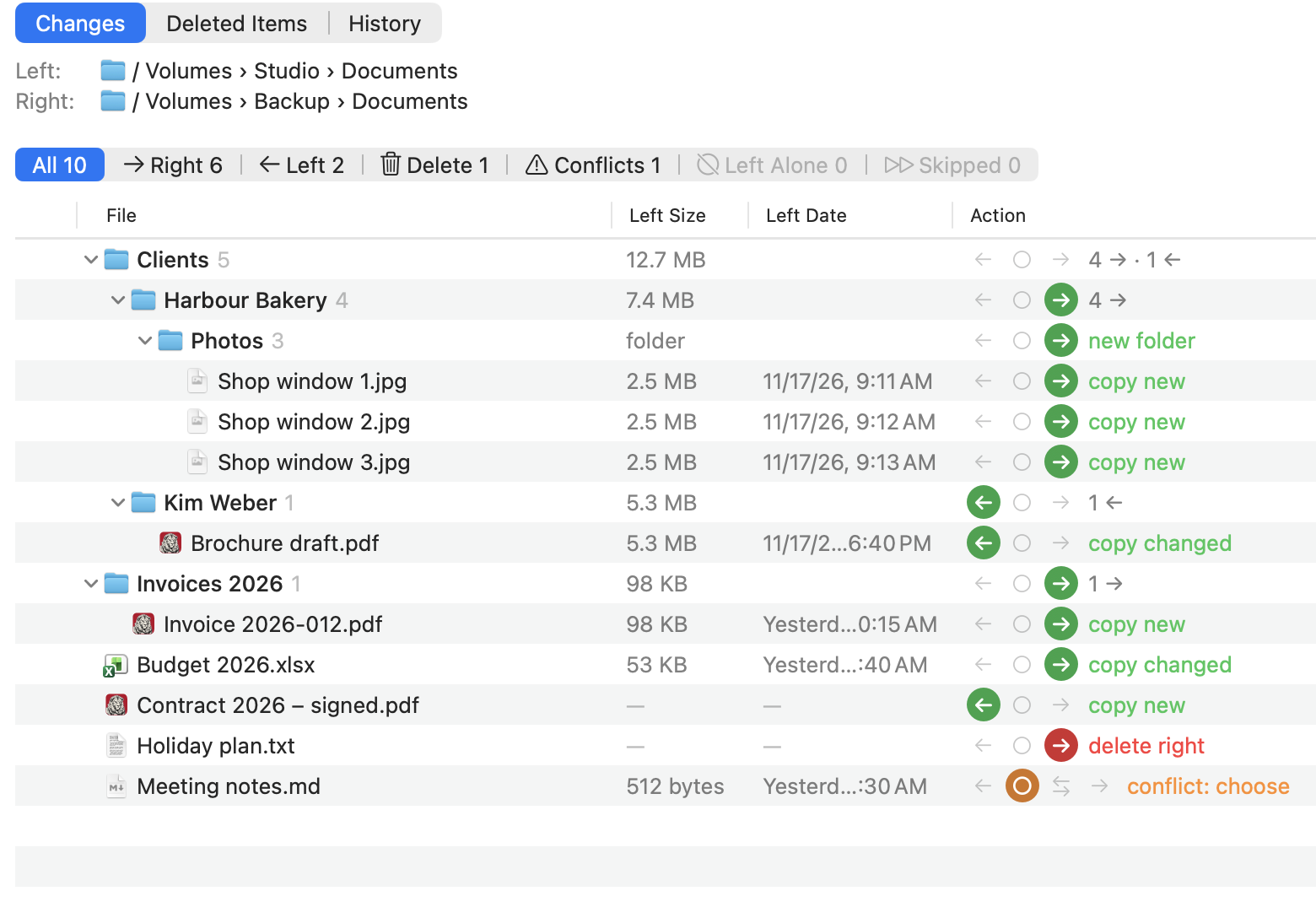
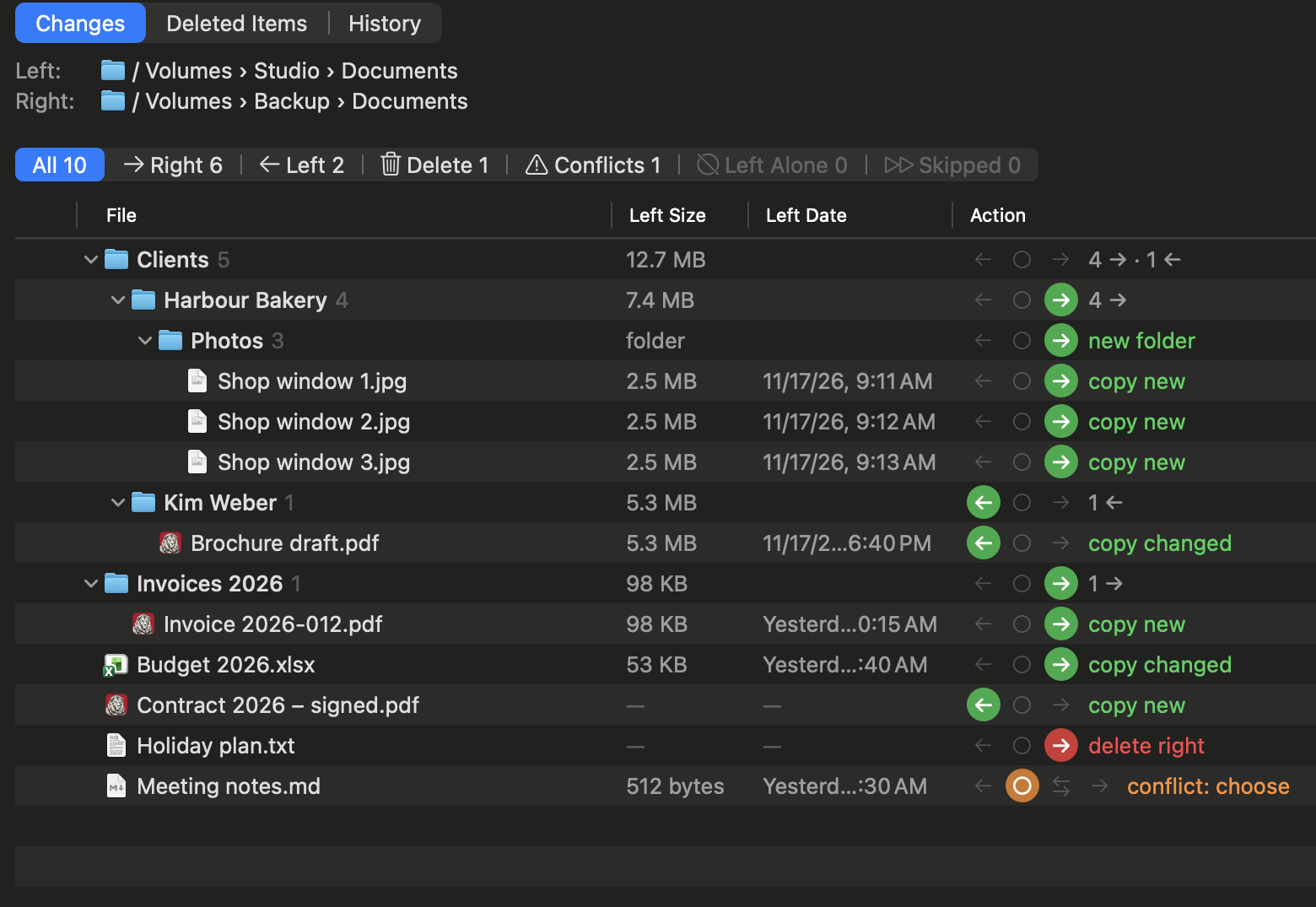
A sync engine that remembers the last run, so it knows a deleted file from a new one.
- Two-way sync with a memory of the last run, between folders on this Mac, disks and servers.
- Analyze first, then decide row by row or folder by folder: left, right, leave alone, or delete.
- Deleted files and earlier versions are kept, 30 days unless you change it, and can be put back. Filters per job.
- A menu-bar helper runs jobs on a schedule or when files change, also with the window closed.
- It learns how many files at once each server takes.
- Synchronize Folders: Total Commander’s quick comparison of the two panels.
- Settings kept in step between your Macs, through a folder of your choice.
Tools
The tools a file manager should have, built in. No plug-ins.
- Viewer (F3) for files of any size: text, binary and hex, encodings, search, go to a line or offset.
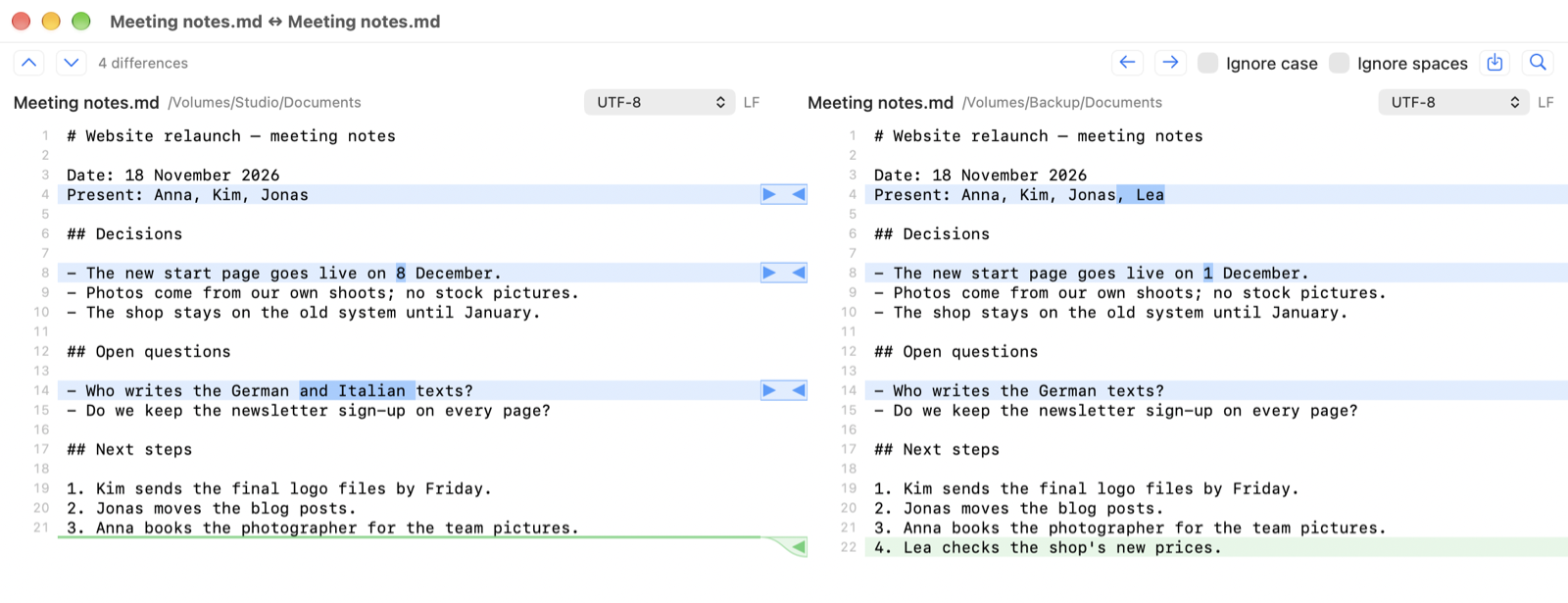
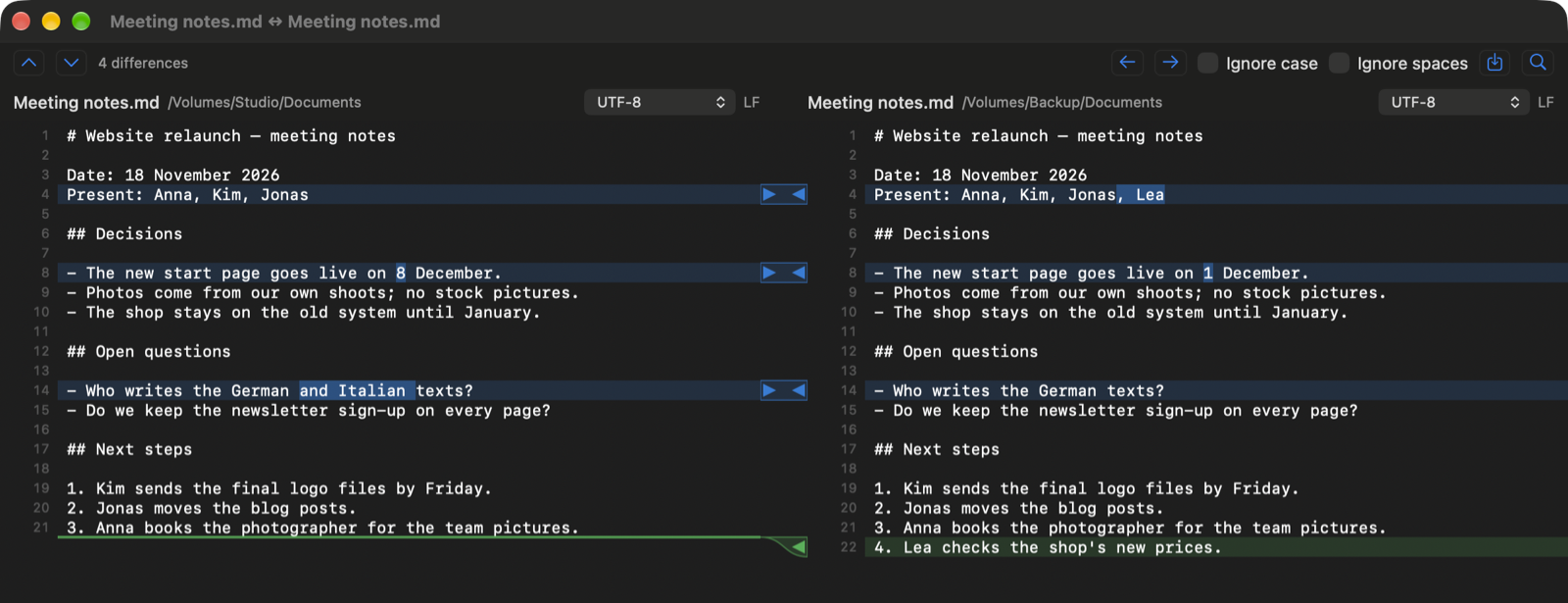
- Compare by content, with editing and saving back; binary files of any size, byte by byte.
- Multi-Rename with Total Commander’s masks; attributes and dates; symbolic links.
- Archives — zip, 7z, rar, the tar family, gz, bz2, xz, iso, cab and more — open like folders; zip, 7z and tar can be changed in place.
- Find Files, a duplicate finder, and What Fills This Folder.
- Checksums (MD5, SHA-1/256/512, CRC32), split and combine.
- A command line, your own commands and buttons, and the terminal of your choice: Terminal, iTerm, Ghostty, kitty, WezTerm, Alacritty or Warp.
Photos and videos
For the folders full of camera and phone files.
- Columns for date taken, dimensions, duration, camera, location, artist, album and title — on servers too.
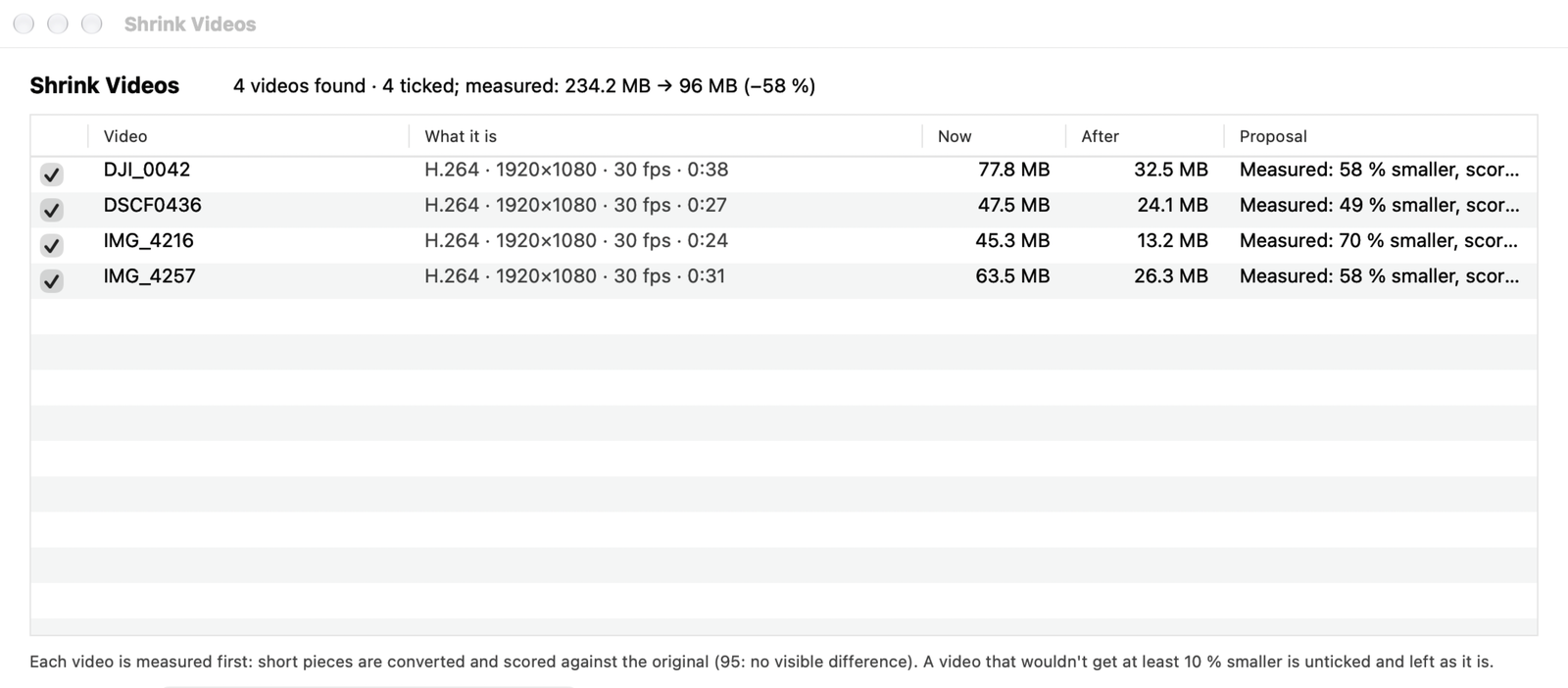
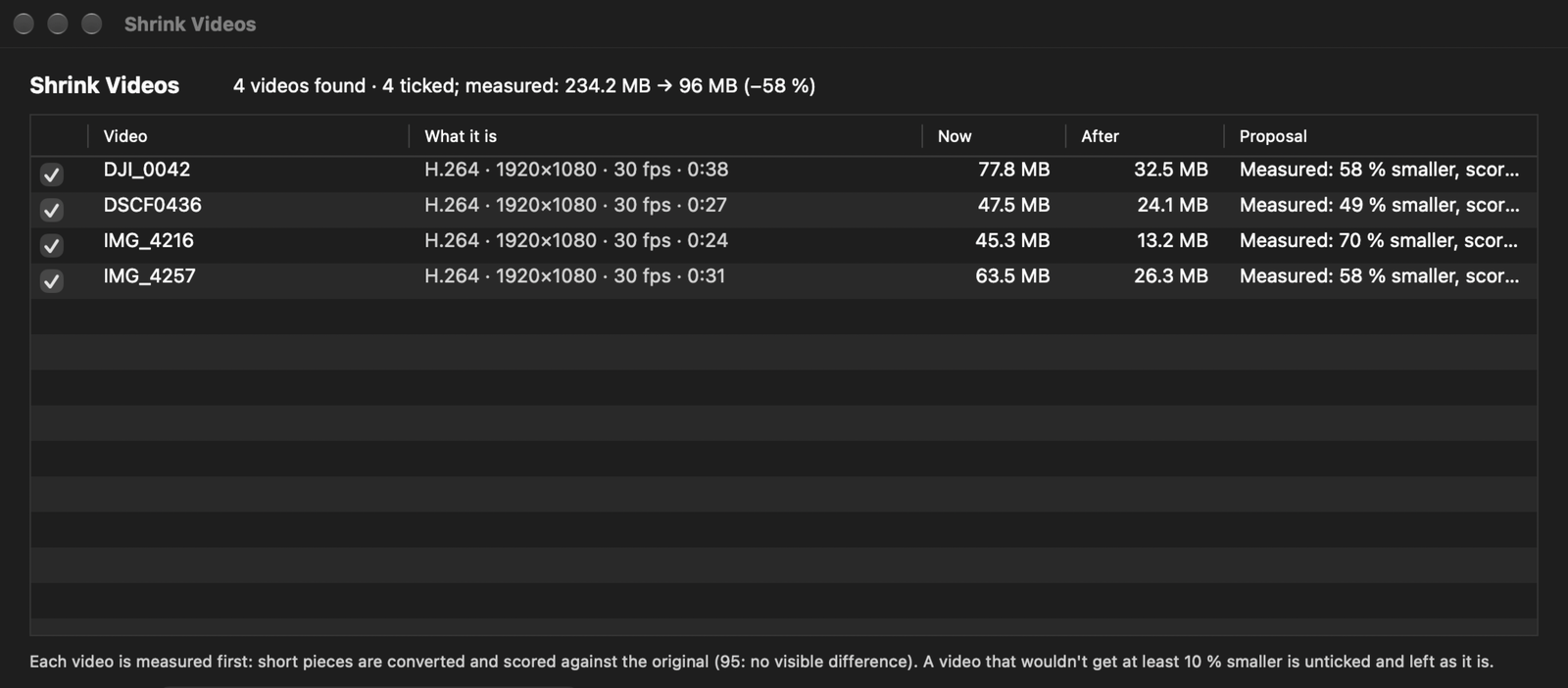
- Shrink Videos: HEVC at a quality measured on samples, keeping dates, GPS and other tracks.
- Shrink Photos to JPEG or HEIC, metadata kept.
- Edit Metadata: dates, title, keywords, location; move dates; remove the location.
- Multi-Rename by date taken or camera.
At home on the Mac
A Mac app first, not a port.
- The Finder’s sidebar and tags, Quick Look, Share, Services and Open With.
- Drag and drop with the Finder, servers included.
- iCloud Drive and cloud folders: download now, or remove the download.
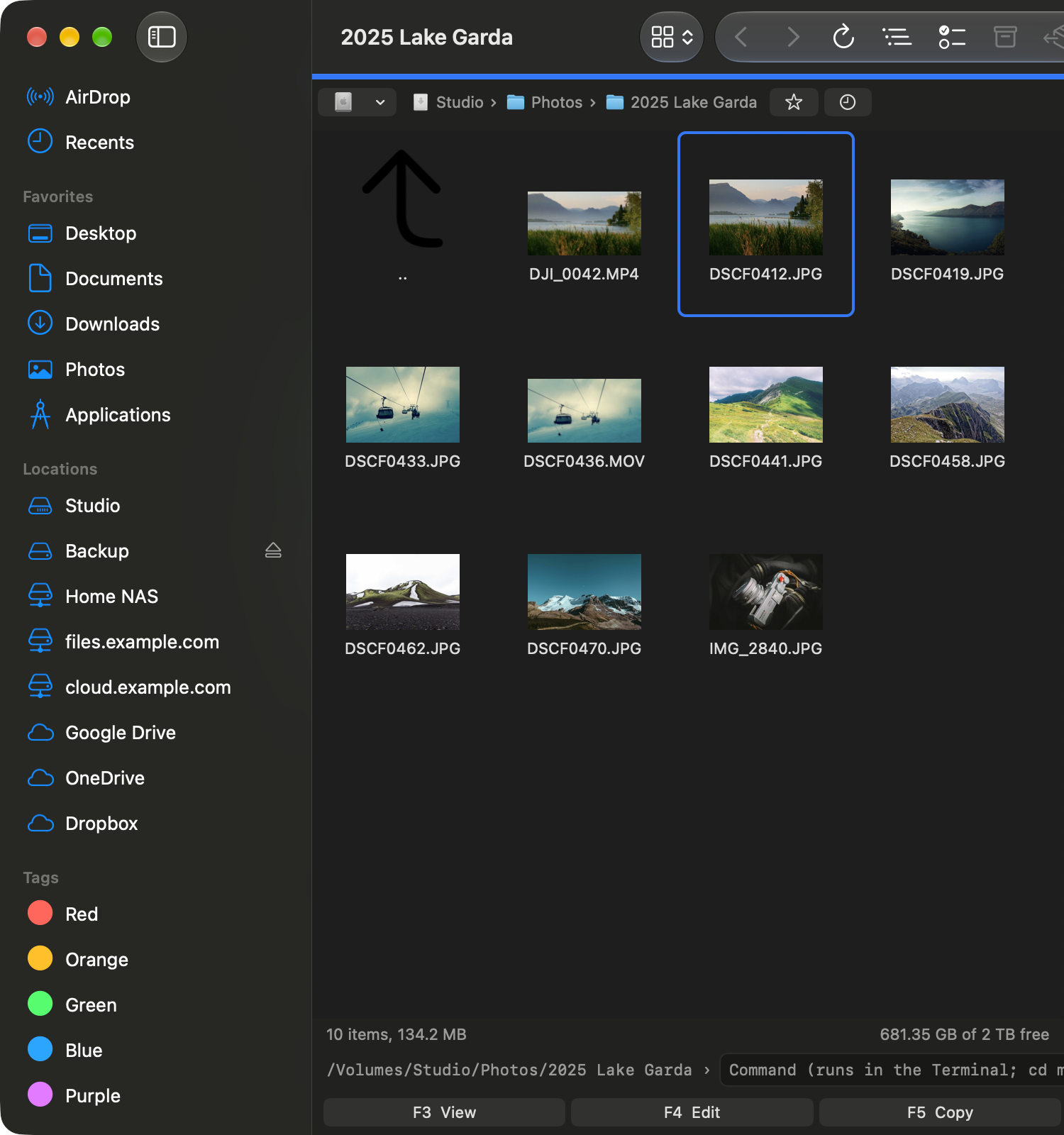
- Light and dark; a notification when a long job ends.
- Can open folders for other apps instead of the Finder.
- In six languages: English, Deutsch, Français, Español, 简体中文 and 日本語. Your Mac’s language is preset; pick another in Settings.
- For Macs with Apple silicon and Intel, macOS 26 and later.
Try Oliver
Oliver is free until Oliver 1 goes on sale, with everything working. No sign-up, no email: download it and use it. Try it now and you pay the early-bird price, €29 instead of €39.
Download OliverFor Macs with Apple chips or Intel, macOS 26 or newer.